If you are the owner or an authorized representative of a business listed in the Near Northwest Business Directory, you may claim your listing by following the steps below.
You must be a registered user on this site to Claim/Add a Business Listing
Please Note: We do not accept listings for businesses that are outside the boundaries of the Near Northwest Management District, except by special arrangement. Please contact us for more information.
Steps to Claim Your Listing:

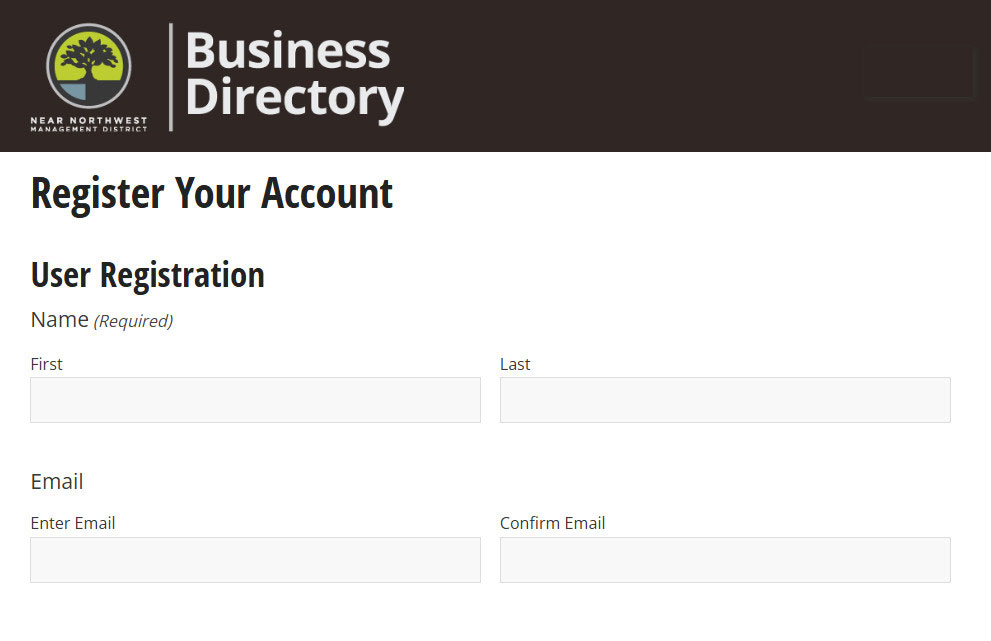
Register as a user on this site. You’ll receive an e-mail with a link to set a password.

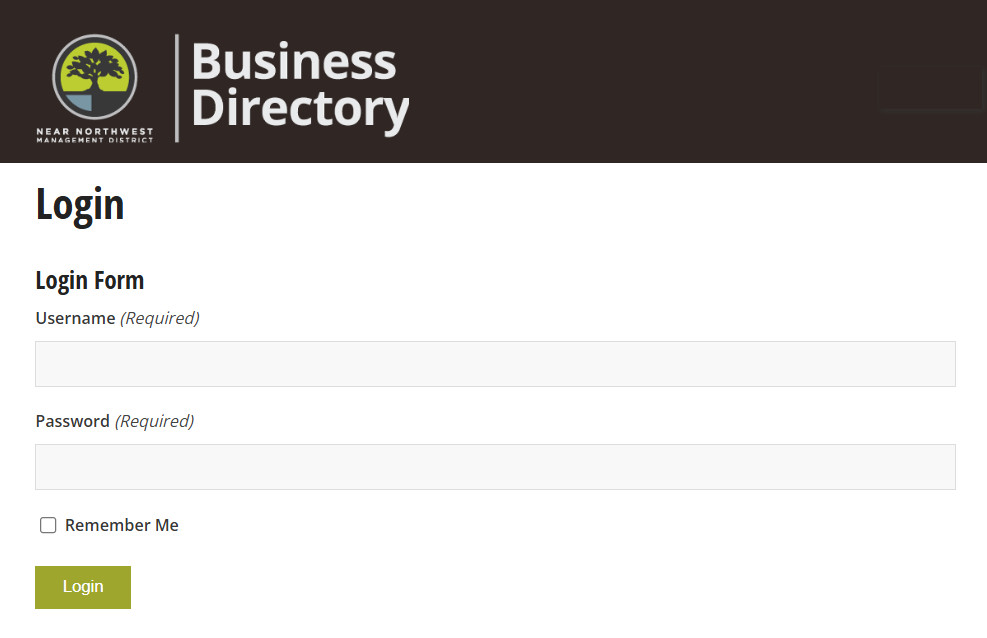
Return to the site to log in.

Find the listing for your business, then click the “Claim your listing” link found at the top.
Once we verify your claim, you’ll receive a message confirming your ownership of the listing. You’ll then be able to manage your listing’s content.
VIDEO: How to Claim & Manage Your Listing:
Can’t find your business? Add A New Listing
If your business is not listed, Use the Add Listing button found on the Business Directory or category pages, or Submit Your Business listing here.
You must be a registered user on the site to add your business listing.
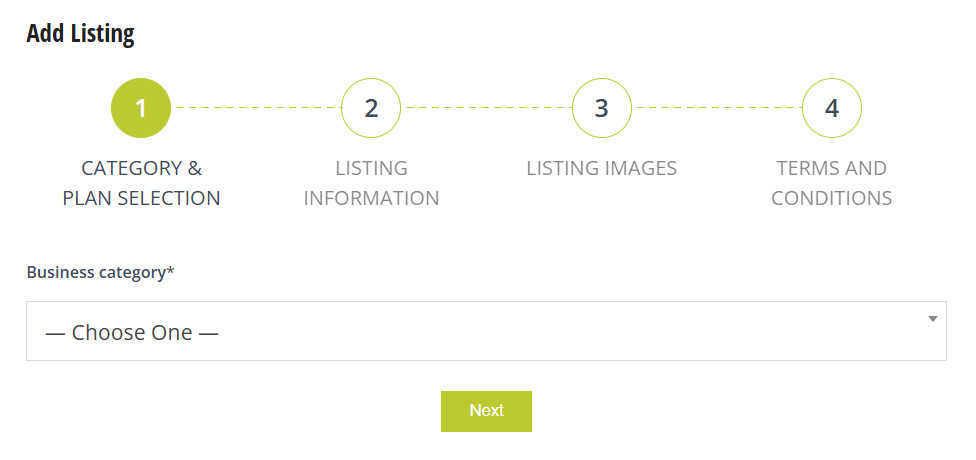
As an alternative, you may claim your listing by completing the form on this page. We will contact you to verify your information, then provide login information so that you can manage your listing’s content.